


Importing data to Customer Engagement

Exporting data from Customer Engagement
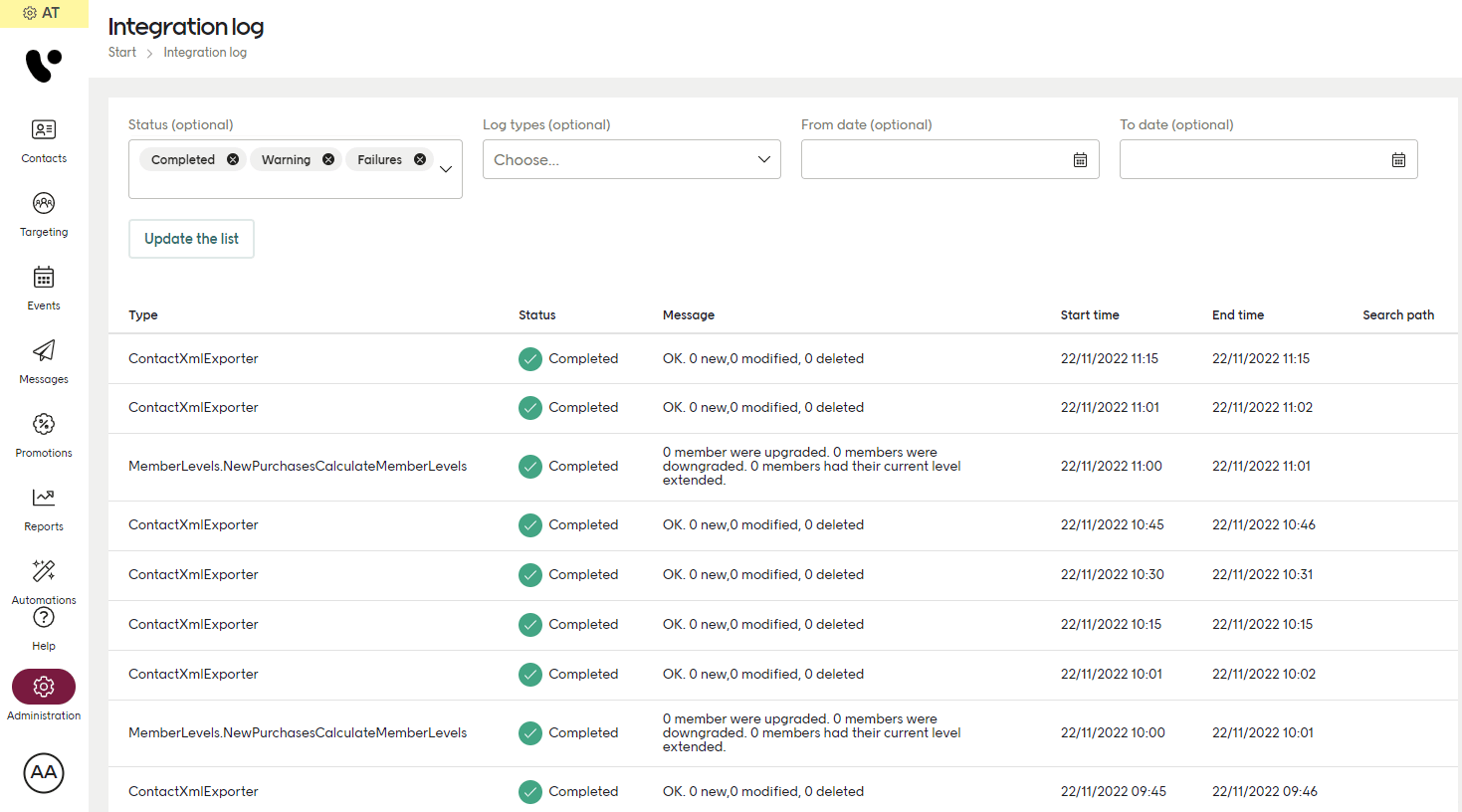
The file integration log
FTP access
For both staging and production, you access your FTP like this:Preparing your file
Here are some things to check before doing a CSV or XML file import.Maximum number of contacts
Don’t exceed 20 000 contacts per file. This is not a hard limit but a strong recommendation, since large files can make the server slow and risk causing a timeout. Keep the number of contacts per file under 20 000.Encoding and syntax
The encoding of your CSV and XML files must be UTF-8. For XML files, follow the scheme specified per import type:
Contacts XML import
Transactions XML import
Time and dates
The required date format is ISO 8601 with a time zone designator, for example: 2021-01-26T15:10:17+01:00. Date of birth (for example on a Contacts migration) is allowed to also use the simpler: YYYY-MM-DD.Other CSV information
Your CSV should use semicolon (;) as a delimiter to separate the fields. This also means that you can’t use ; anywhere in a value string. The order of the fields in a CSV does not matter. Some characters can break a file import and might need to be escaped before import. For example, the double quote character (”). A double quote can be a part of a product name or description, since ” is the symbol used for “inch”:String written normally
Escaped string